 Groki
GrokiHow it works
From a sentence in your chat to a meme you can post
Once Groki is connected, there are no new commands to learn. You describe what you want, your assistant calls Groki, and the memes appear in your conversation. Then you open the draft in the Groki studio to finish it. Here are the five ways teams use it.
Your assistant does the heavy lifting; the final wording and the export happen in the Groki studio. Nothing is published from the chat.
Workflow 1 Free
“Show me what fits”
- You: “Our API went down for 20 minutes this morning. Any meme formats for a self-deprecating post?”
- Your assistant searches Groki and shows the formats that fit, with what each one is for.
- It asks you one question: do you already know what you want to say, or should Groki write it?

Workflow 2 Free
“I have the joke”
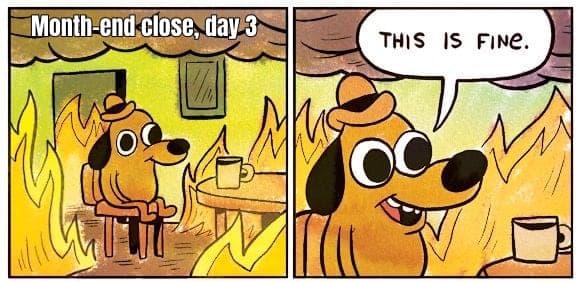
- You: “Put ‘Status page: all green’ on This Is Fine.”
- Your assistant sends your caption to Groki, which checks it fits the picture. If it's too long, Groki says by how much.
- You get the picture in the chat, and a link to the editable draft.

Workflow 3 Free1 credit for nine
“Write it for me”
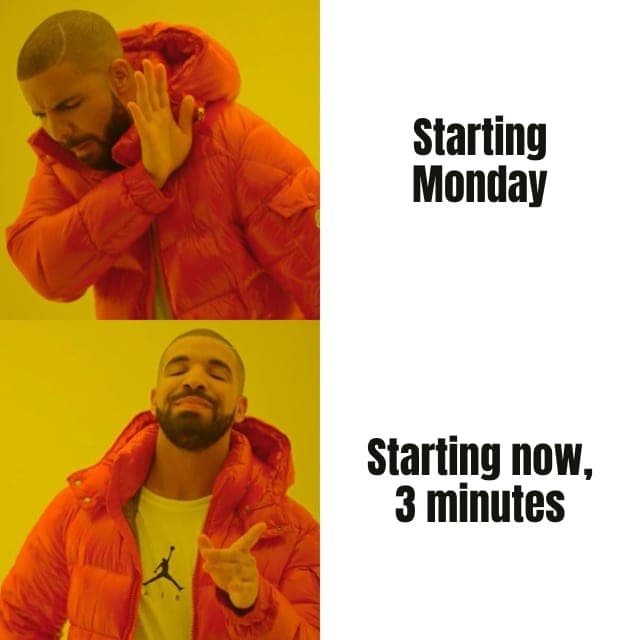
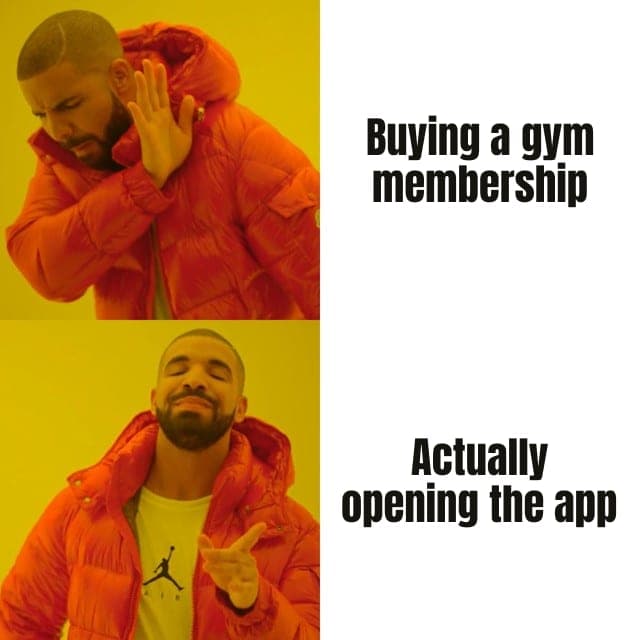
- One format you like: Groki writes three takes for it, relatable, savage and unhinged. Free.
- No idea yet: Groki picks three formats and writes nine directions, for 1 credit.
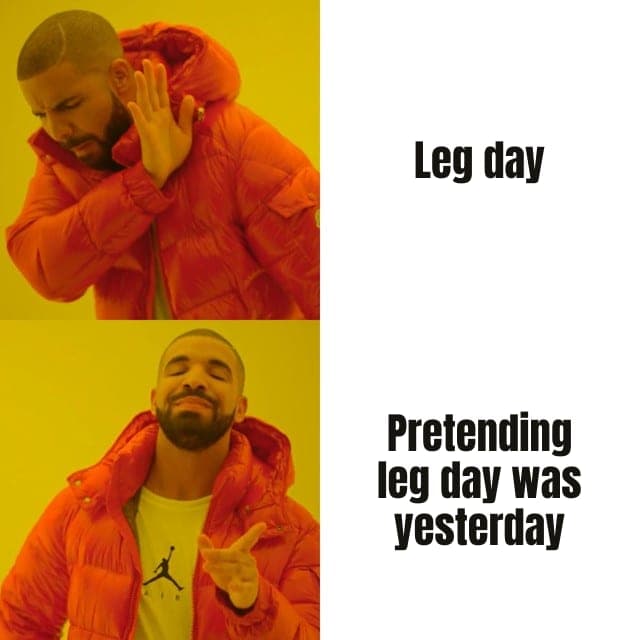
Three takes on Drake Hotline Bling for a fitness app.
Workflow 4 12 credits
“Put our founder on it”
- You: “Put my face on the Distracted Girlfriend meme.”
- Your assistant states the price, asks you to confirm, then sends you a private upload link. You pick the photo on your phone; it never goes through the chat.
- Groki swaps the face under your captions in 15 to 40 seconds and shows you the result.
Use a photo of yourself, or of someone who agreed.
groki.meme/face/…
Send a photo
Your assistant will put this face on your meme. Pick a clear photo of one face, looking at the camera.
The photo goes to Groki only, not into your conversation. The link stops working after 15 minutes.
Workflow 5 30 credits
“Make it move”
- You: “Animate it.”
- Your assistant confirms the price. A 5-second video takes one to three minutes; your assistant checks back, or you'll find it in the studio when it's ready.
- In the studio, the captions play over the video and stay editable. Export gives you an MP4.
Image edits work the same way (“make it snowy”, “pixel-art style”), for 8 to 10 credits.
Behind the scenes
What Groki does that your assistant can't
Groki ranks every template against your situation by the joke it carries, not by keywords. It knows where each caption goes and how many characters fit. And it keeps everything as a private draft, so your assistant can keep working on it with you.
FAQ
Before you start
- Do I need a Groki account?
- Yes, a free one. Your assistant signs in to Groki once with OAuth, and new accounts include 20 welcome credits.
- Where do I see the memes?
- Right in your conversation, in Claude and ChatGPT alike. Every answer also links to the draft in the Groki studio, where you finish the meme.
- What if my assistant gets stuck?
- Groki answers with clear errors, such as a caption that is too long or a template it doesn't know, and your assistant is told to fix the request rather than spend credits.
Set it up in two minutes
Add the Groki server to your assistant, sign in, and ask for your first meme.